
KidSafe Video
Hand-picked, ad-free YouTube for kids — no recommendations, no skip button, and the screen goes dark when time's up.
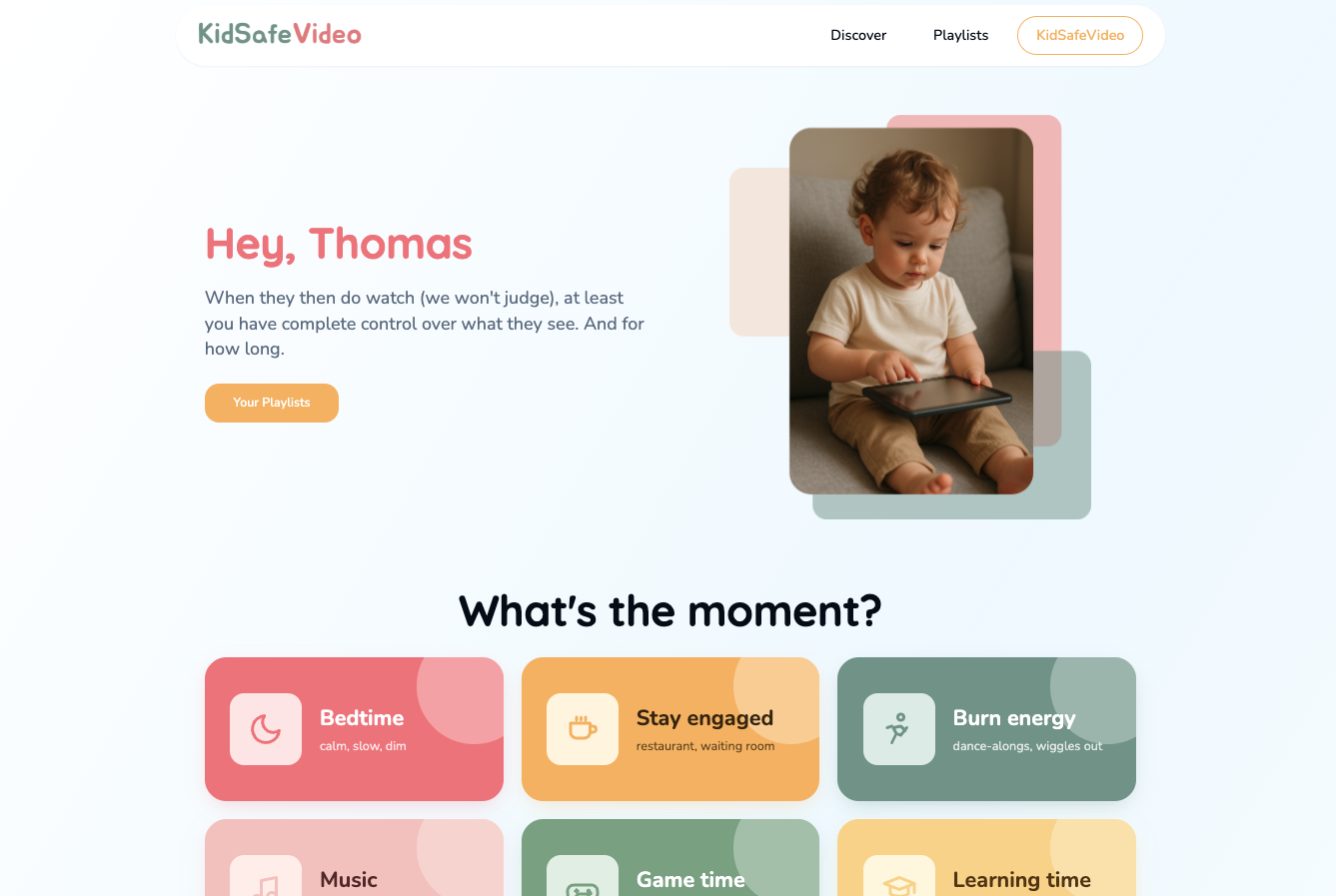
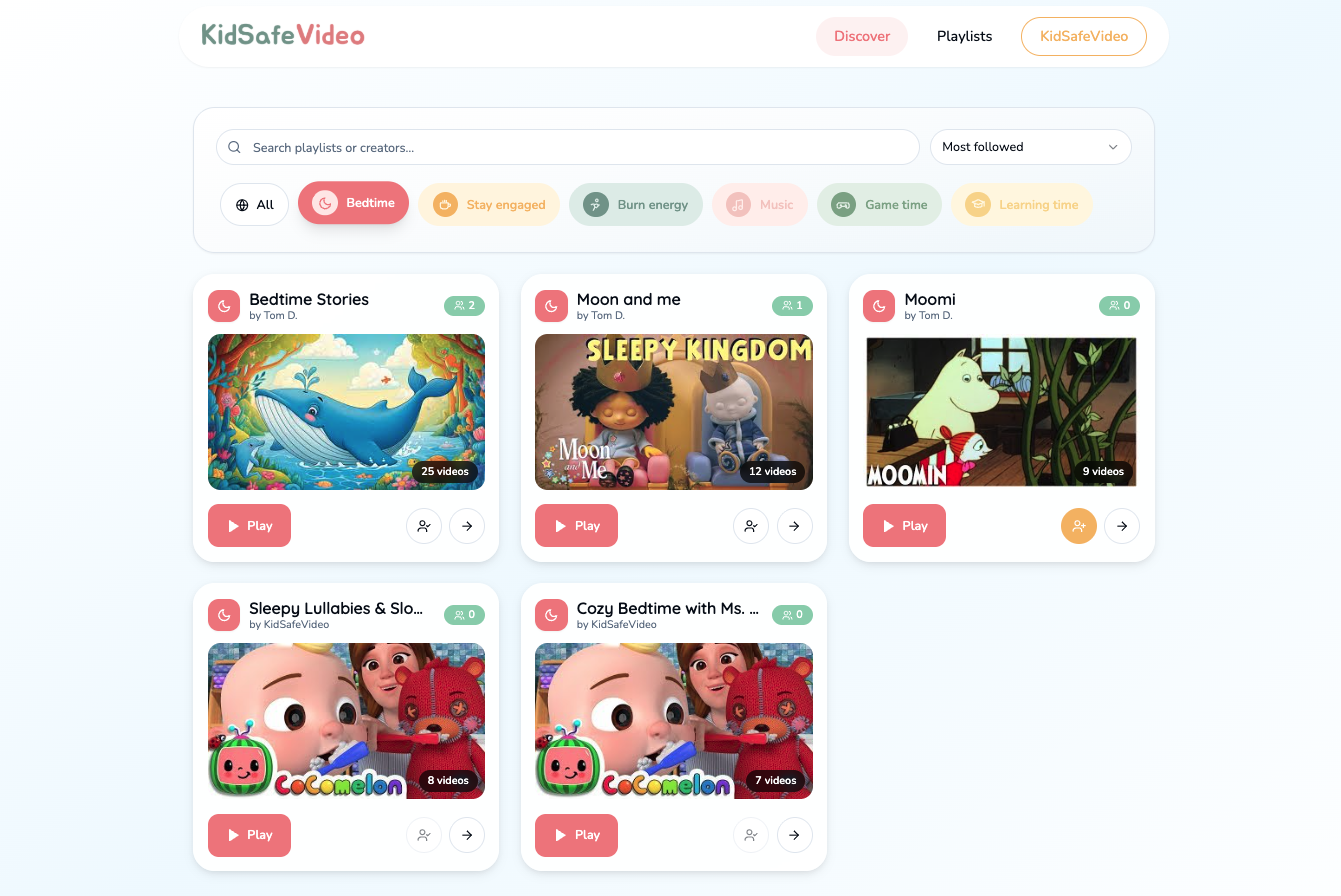
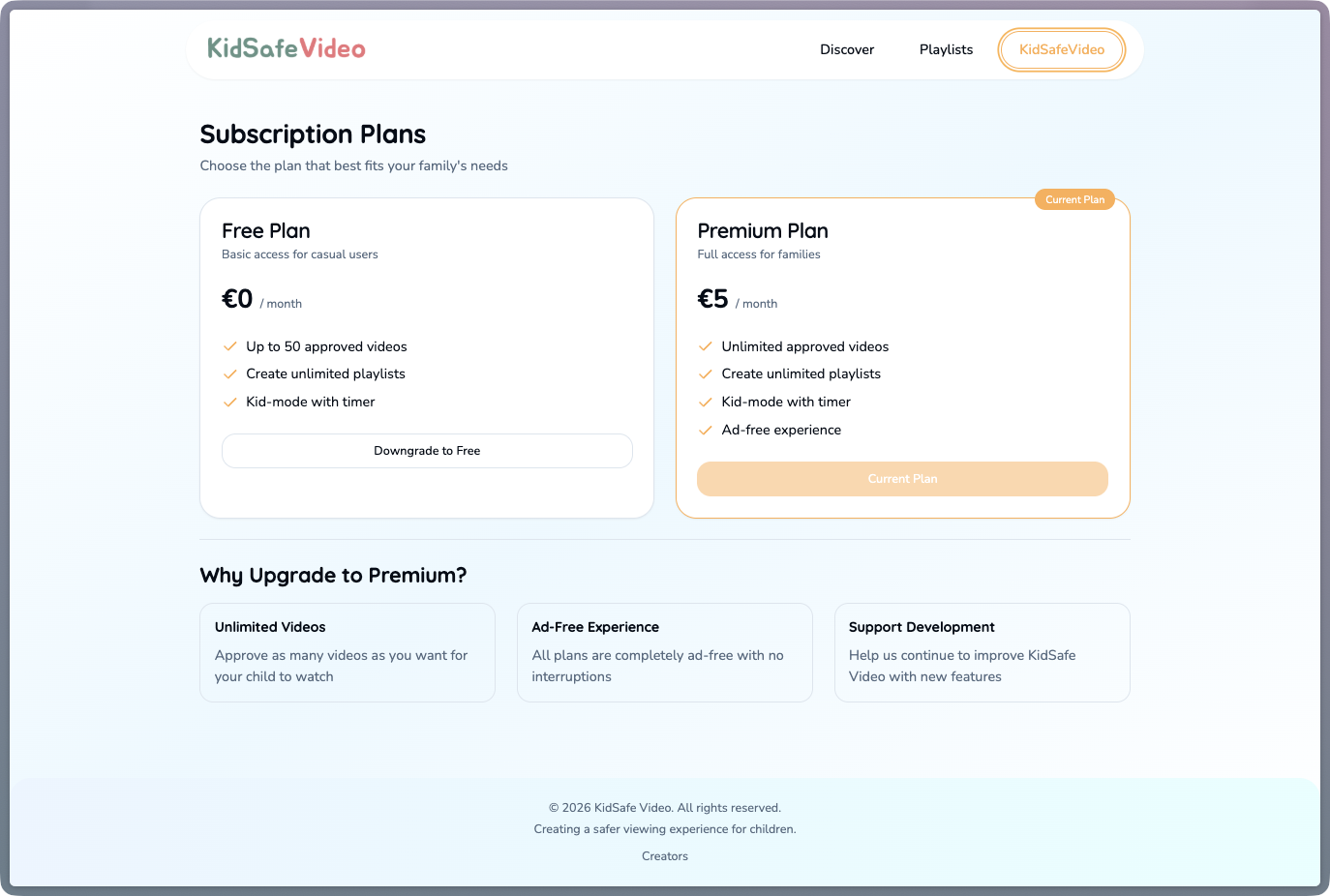
Built for the exact moment you hand a toddler a tablet and instantly regret the algorithm. A classic 'there must be an app for this' — except I couldn't find a decent one fast enough, so I built it myself.
I'm a father of two, aged 2 and 4. We know they shouldn't be watching, they watch anyway, and YouTube is genuinely awful for it — kids mode included. You can't actually exclude videos, so within about three taps they've wandered off into the strangest corners of the internet: Russian role-play skits, or some borderline-psychedelic red-and-blue tractor dropping into a ball pit on loop. Not quite what I had in mind for a Tuesday evening.
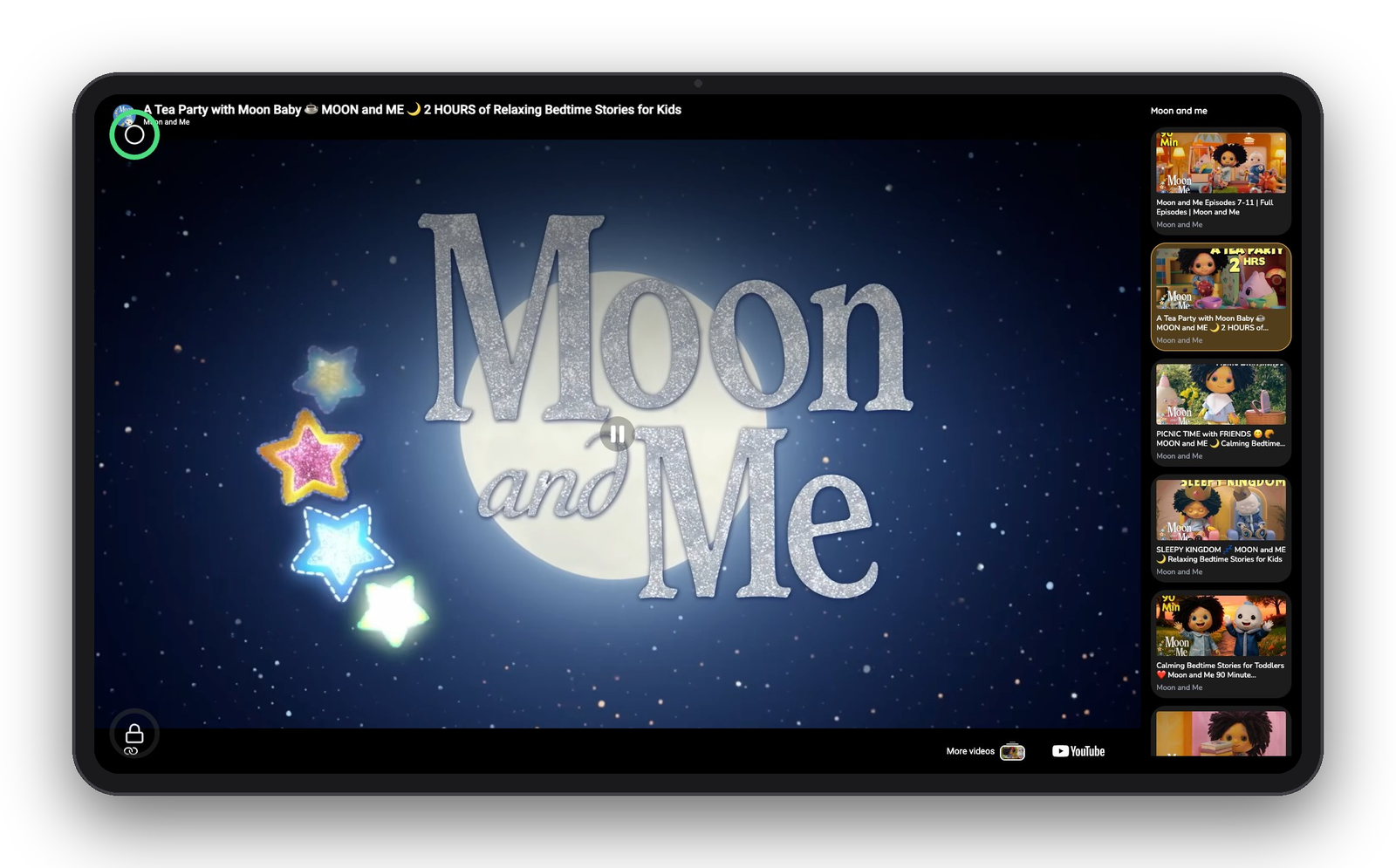
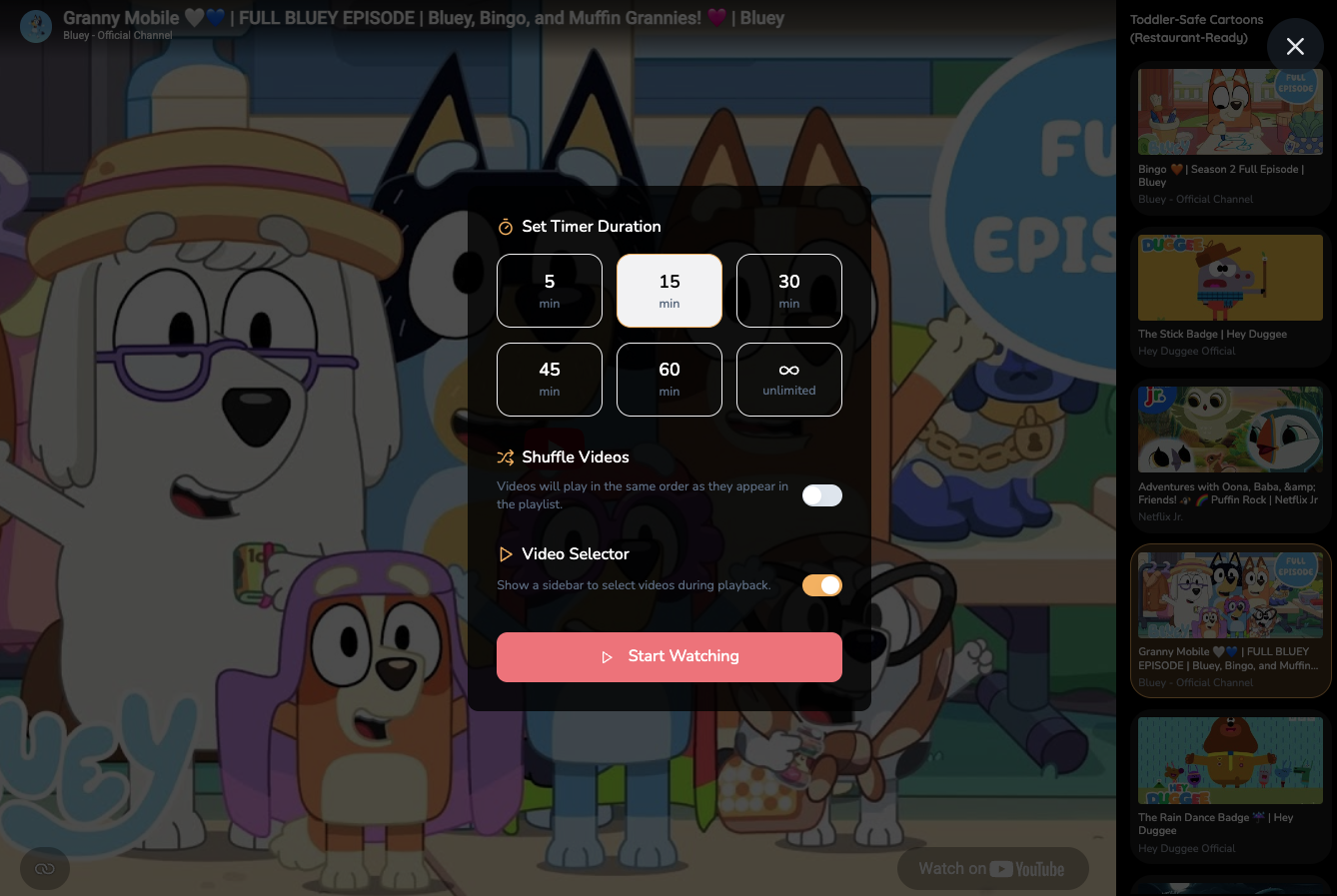
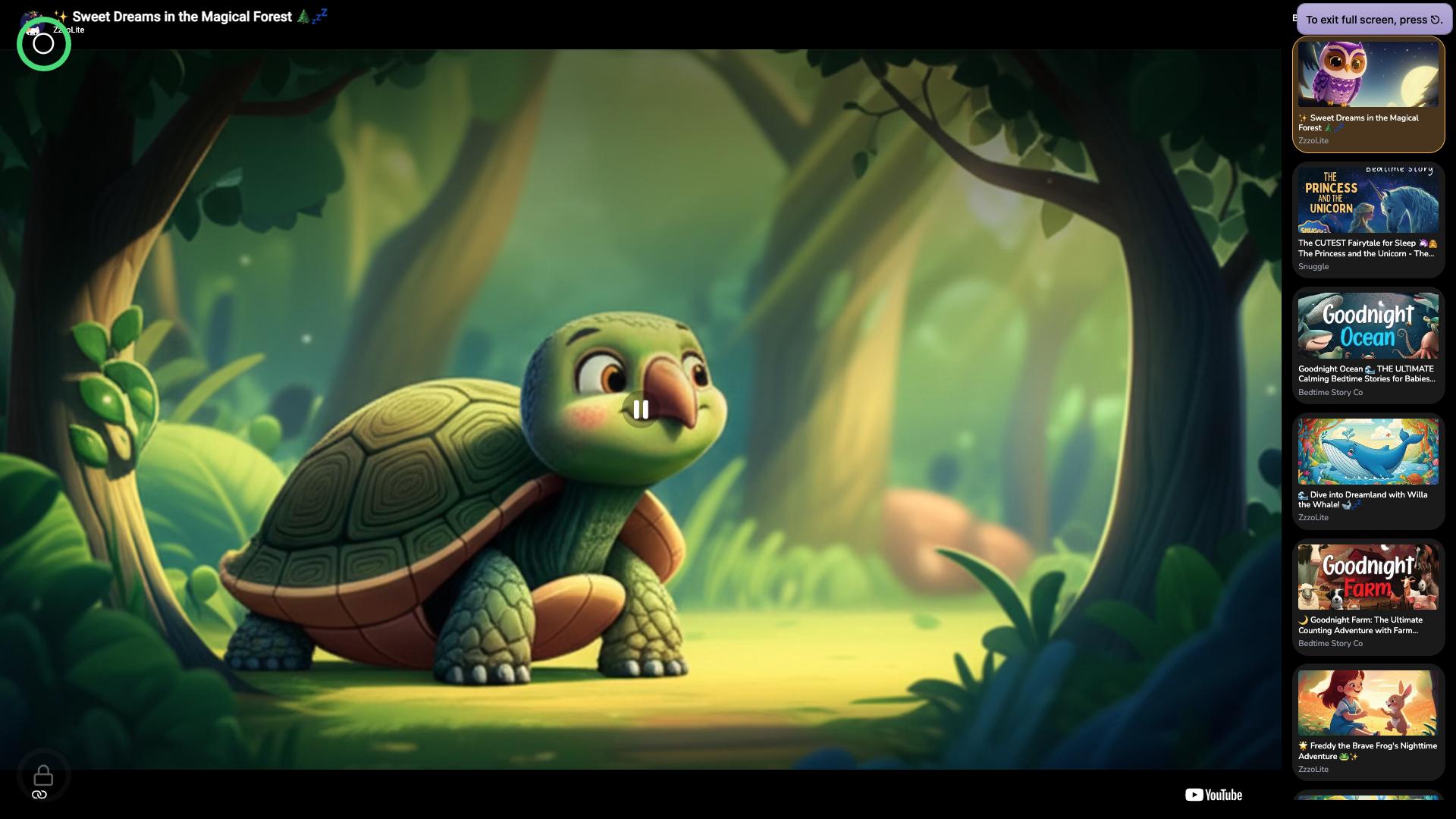
So KidSafe is the opposite of that. Parents approve every clip. Kids get a full-screen player — no recommendations, no ads, no skip button — and a timer that fades the screen to black when time's up, so 'just one more' stops being a negotiation. You decide whether they're even allowed to tap, adding videos is a quick YouTube-API search, and the whole thing stays on the right side of YouTube's terms: all legal, all in order.
I put it online in case it helped anyone else, and a few people use it. Over time I've added bits here and there — following a playlist, that kind of thing. It does exactly what I need it to do.
I'll be honest about where it stands, though. For this to really take flight, a lot would need work: the onboarding is rough — harder than it should be to just get to the thing you came for — and it could be far smarter. But the foundation is solid: curated player, timer, tap-or-no-tap, easy adding, all above board. The hard part works. The polish is the part I haven't gotten to.